 Shuichi
Get the beta
Shuichi
Get the beta
A work multitool for your Mac
Nine tools in one hub: dictation, clipboard history, notes, today's calendar, window switching and four more. It opens over your work and closes when you're done.
Type a sentence without typing
Press ⌃⌥D, say it, press again. The words land in the app you're in, transcribed on your Mac.
Dictation · ⌃⌥D · on device
Paste what you copied an hour ago
Text, images and files you copied, searchable, with up to 20 pinned.
Clipboard · ⇧⌘V · 50 recent
Write it down before it's gone
The cursor is already in a note, and it saves as you type. Search, pins, checklists and folders are there when you need them.
Notes · ⌥⌘N · no sync
See what's next today
Today's events and your next meeting, with a Pomodoro timer of 15, 25, 45 or 60 minutes.
Focus · calendar optional
Find the window you need
Hold ⌥ and press Tab: your open windows in one ribbon. Let go to switch.
Previews · window switcher ⌥⇥
Look before you switch
Hover a Dock icon to see that app's windows, then click the one you want.
Previews · Dock previews, off by default
And four more
- Media · cover, title, scrubbing and controls for whatever macOS says is playing.
- Audio · switch output; per app: volume, mute, its own output. Output only.
- Shelf · drop files, text or images, then drag a copy out anywhere.
- Keyboard · current layout and ⌃⌥⌘Space; EN↔RU auto-switch, off by default.
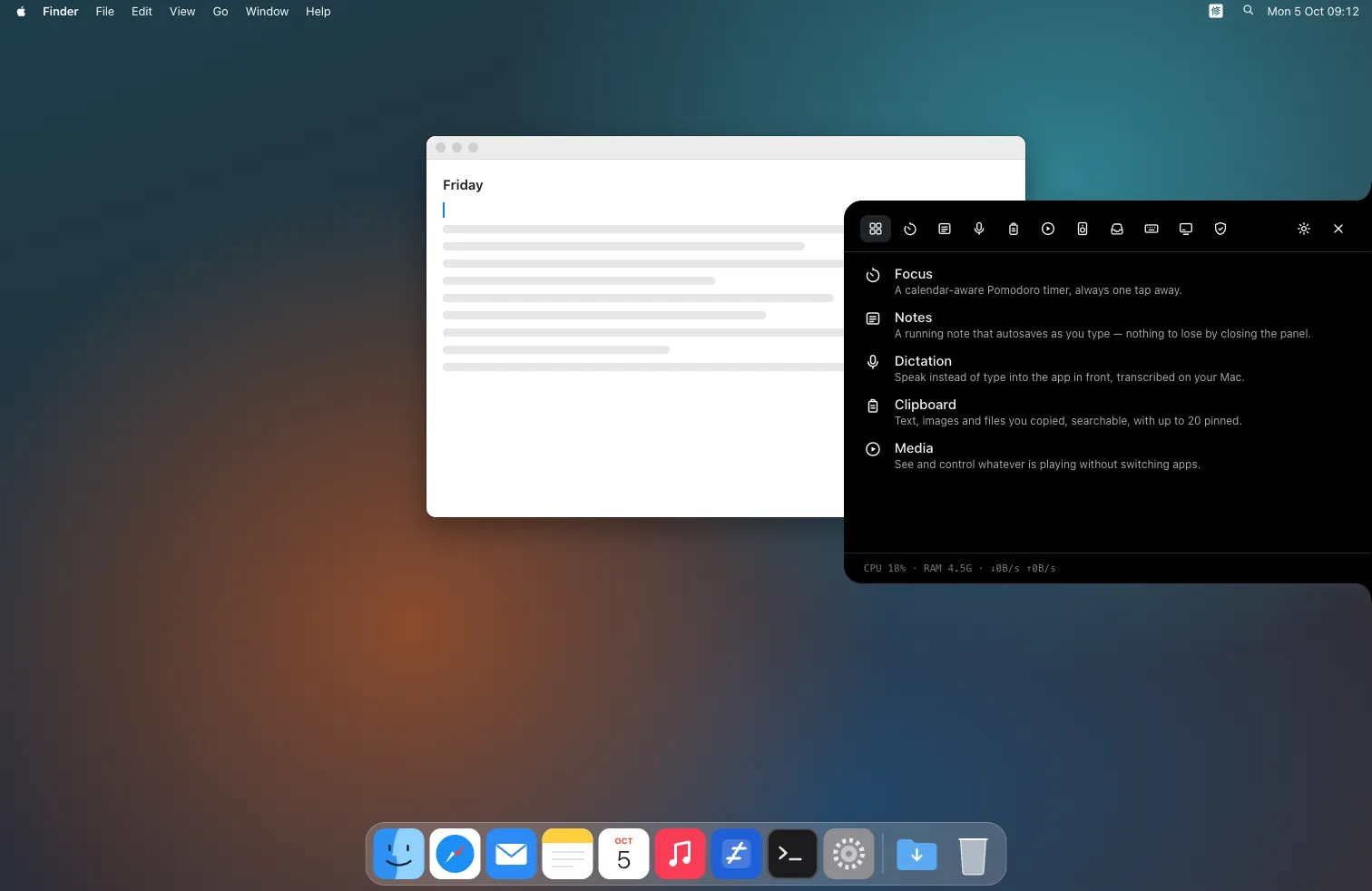
A prototype of the default Shuichi style, played by your scroll. Not a screen recording.
The hub opens by shortcut, from a button at the screen edge, or from the notch if your Mac has one. ⌘1–⌘9 switch tabs. Setup takes about 3 minutes.
Five styles, each in five themes
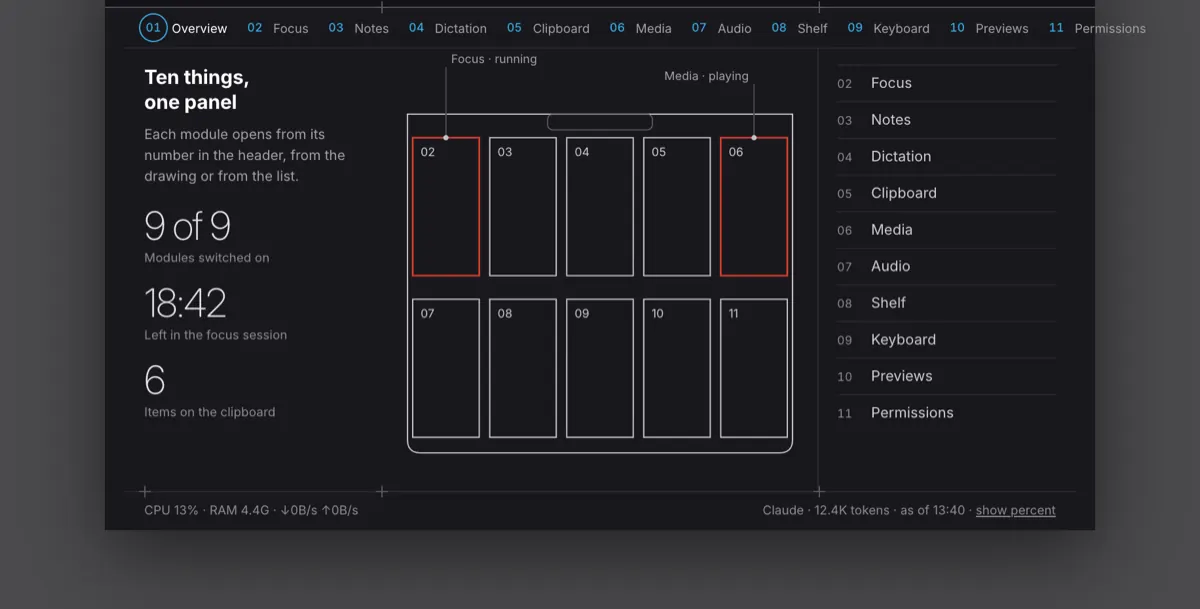
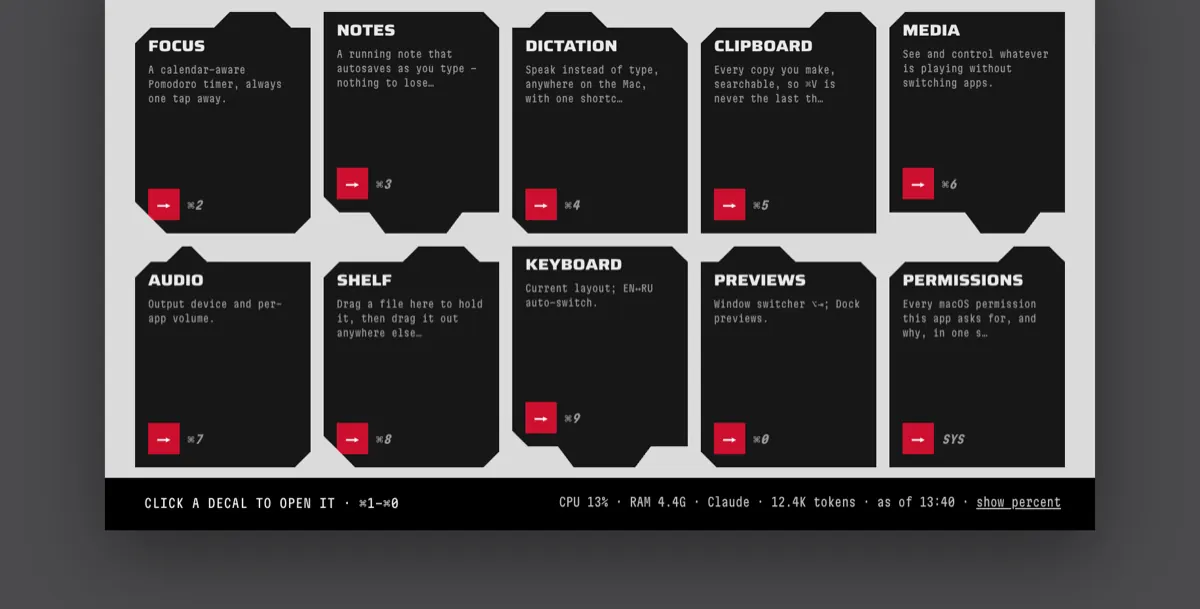
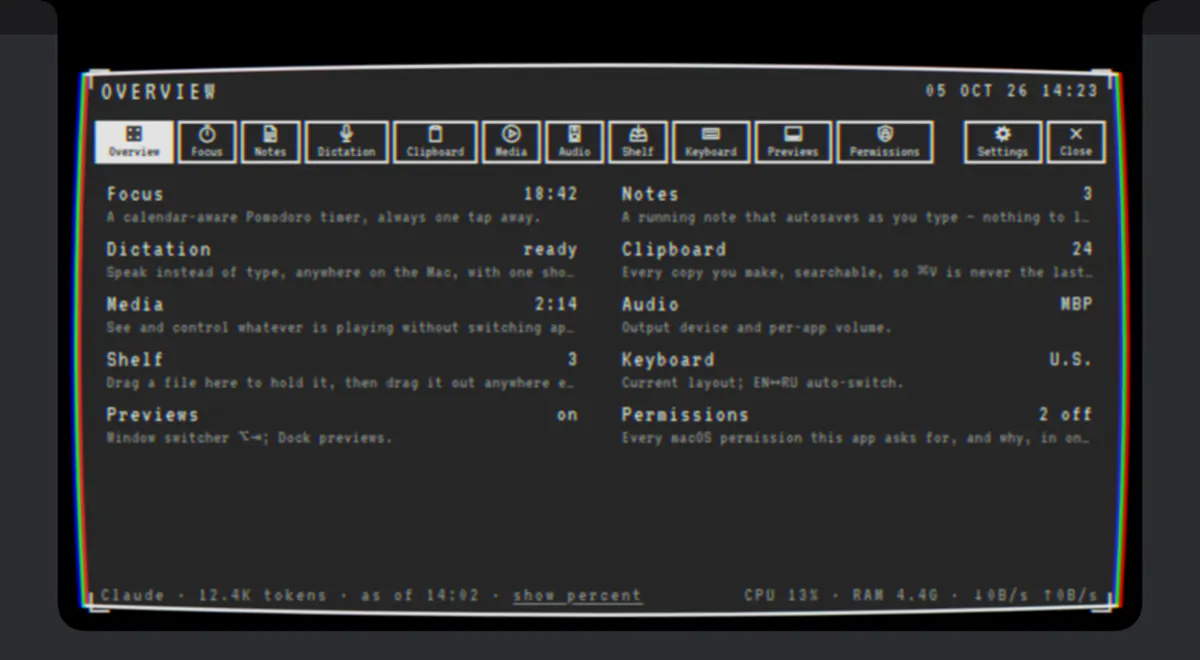
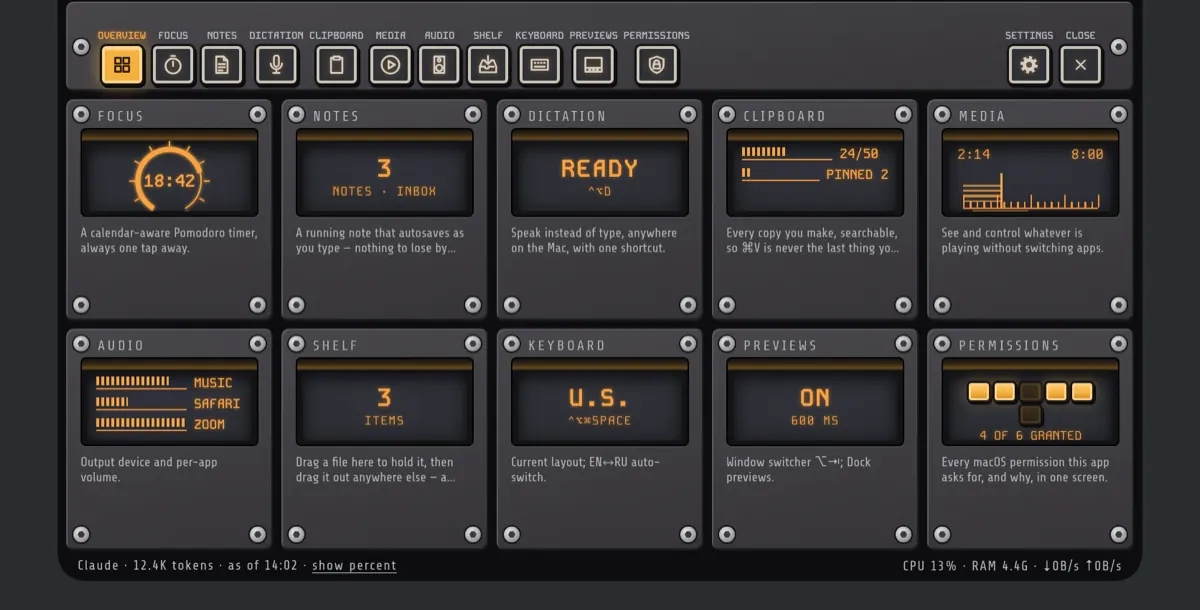
A style changes typefaces, buttons, switches and frames; a theme changes colour. Both are in Settings › Appearance, in light, dark or Auto.
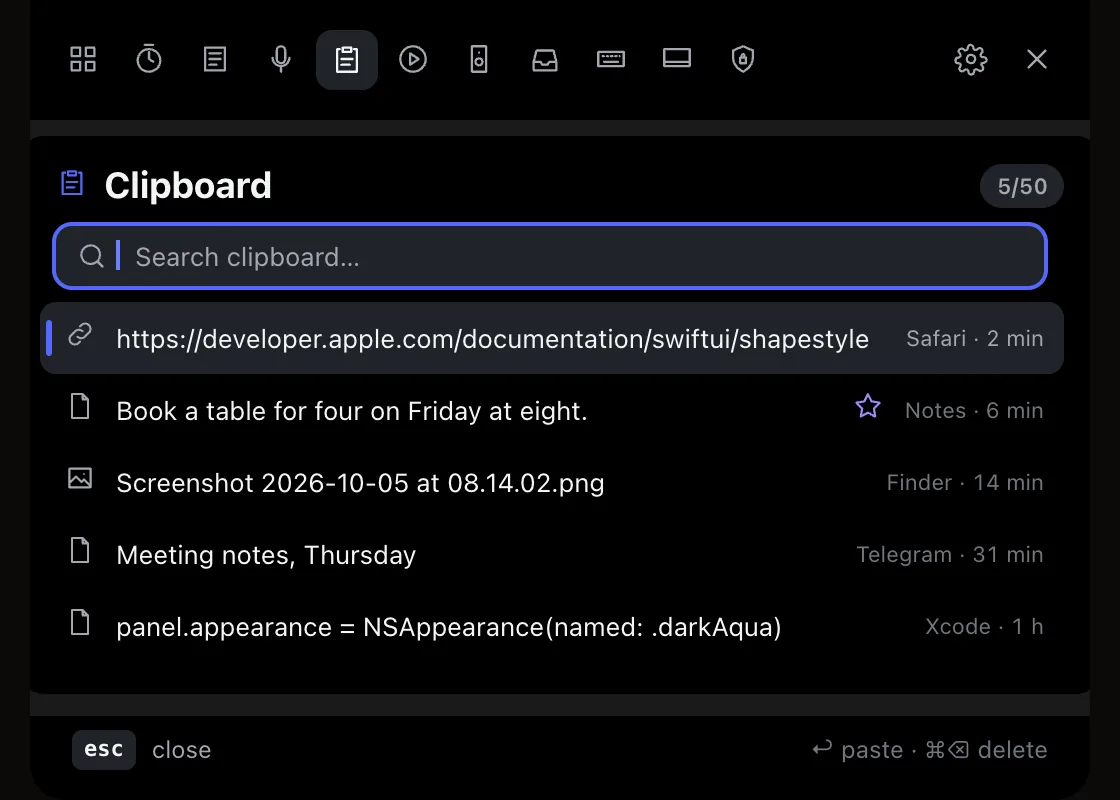
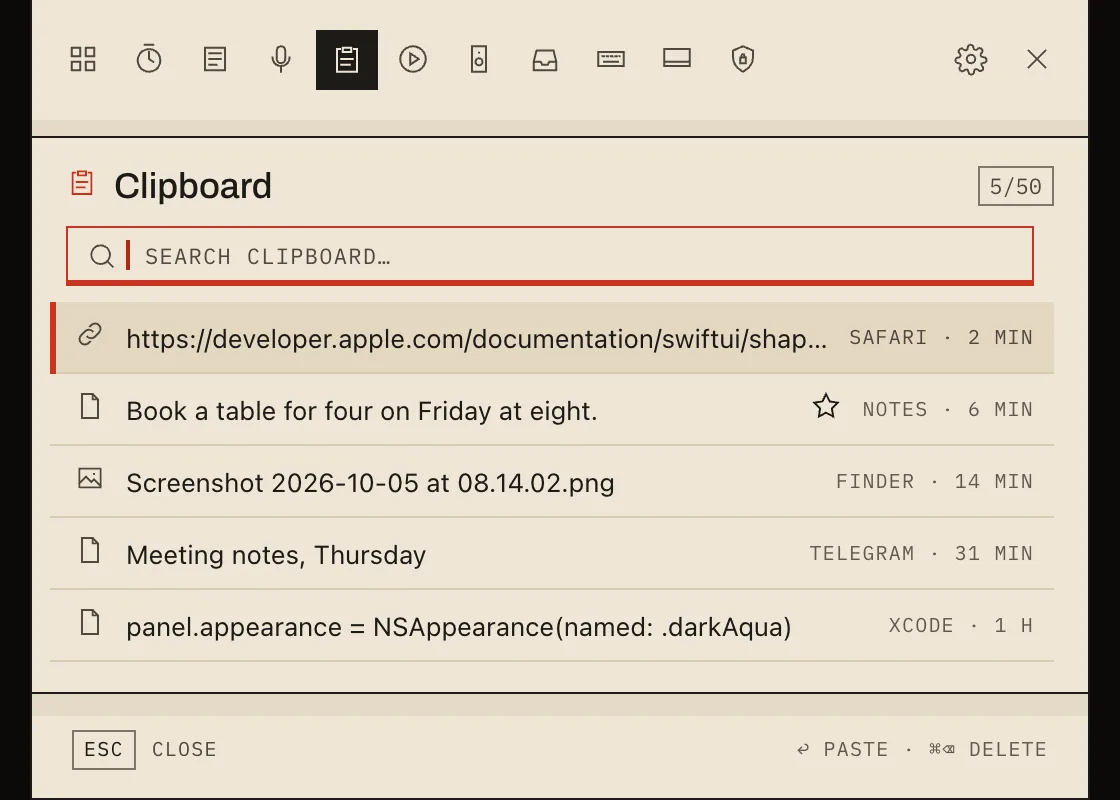
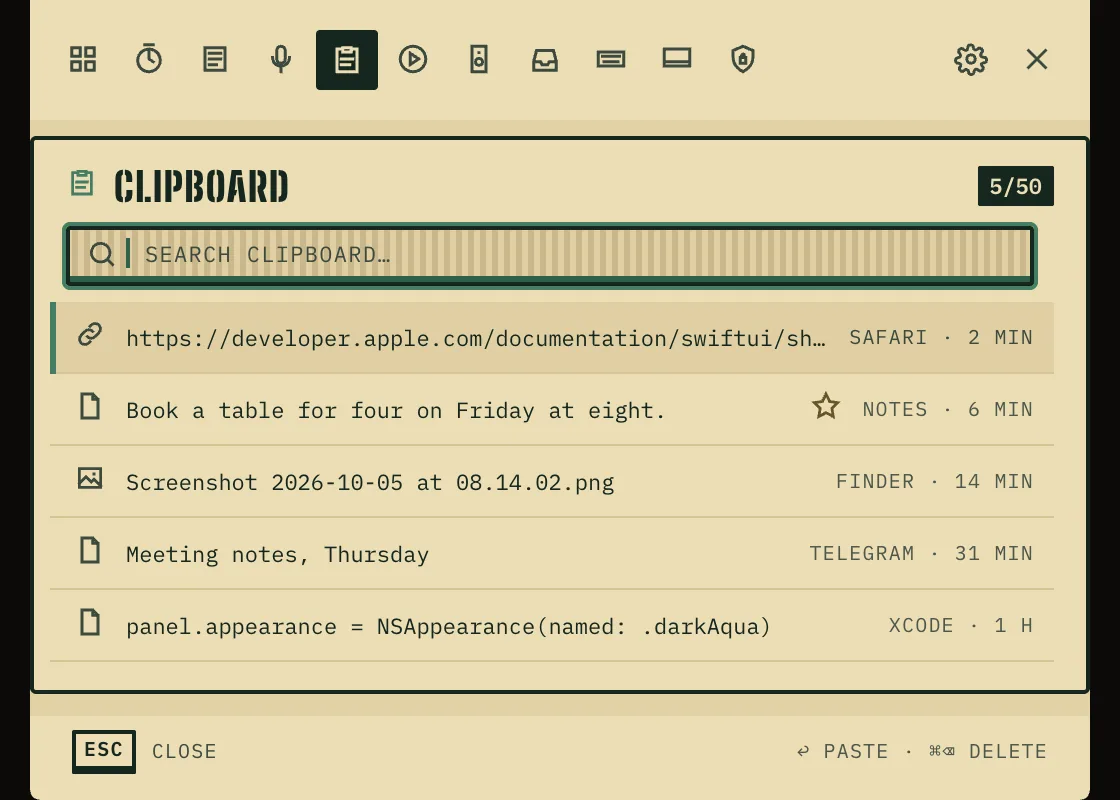
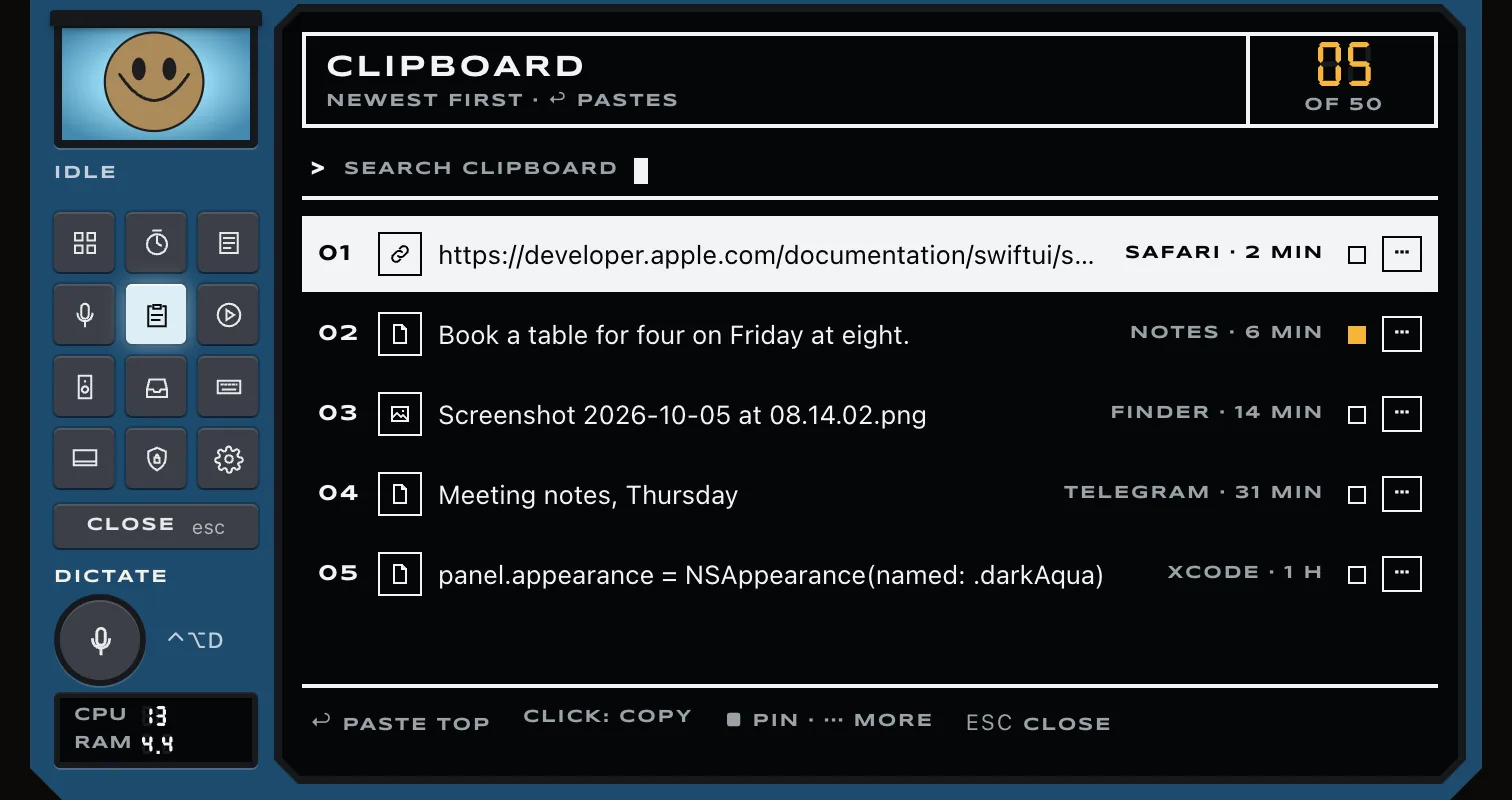
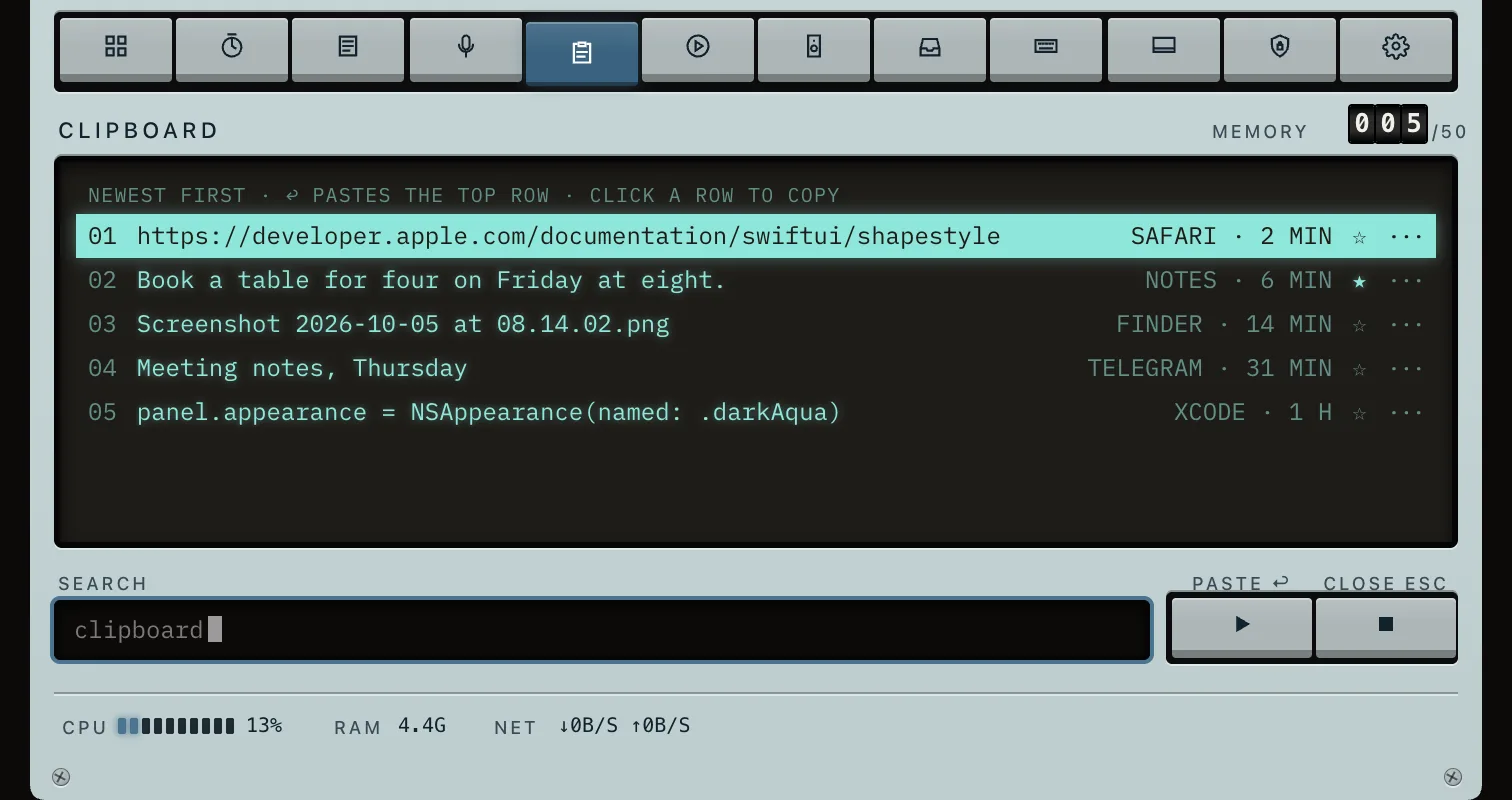
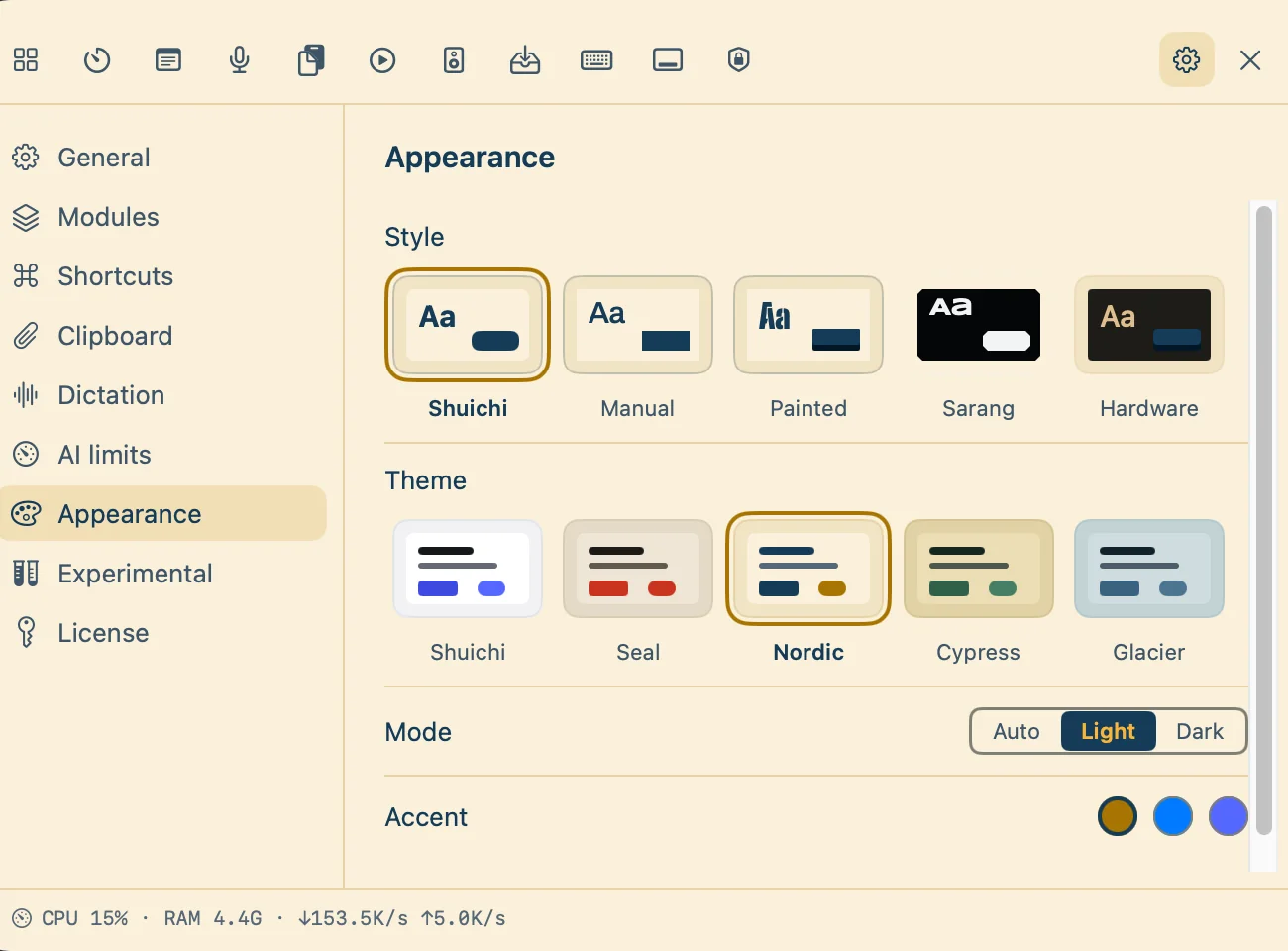
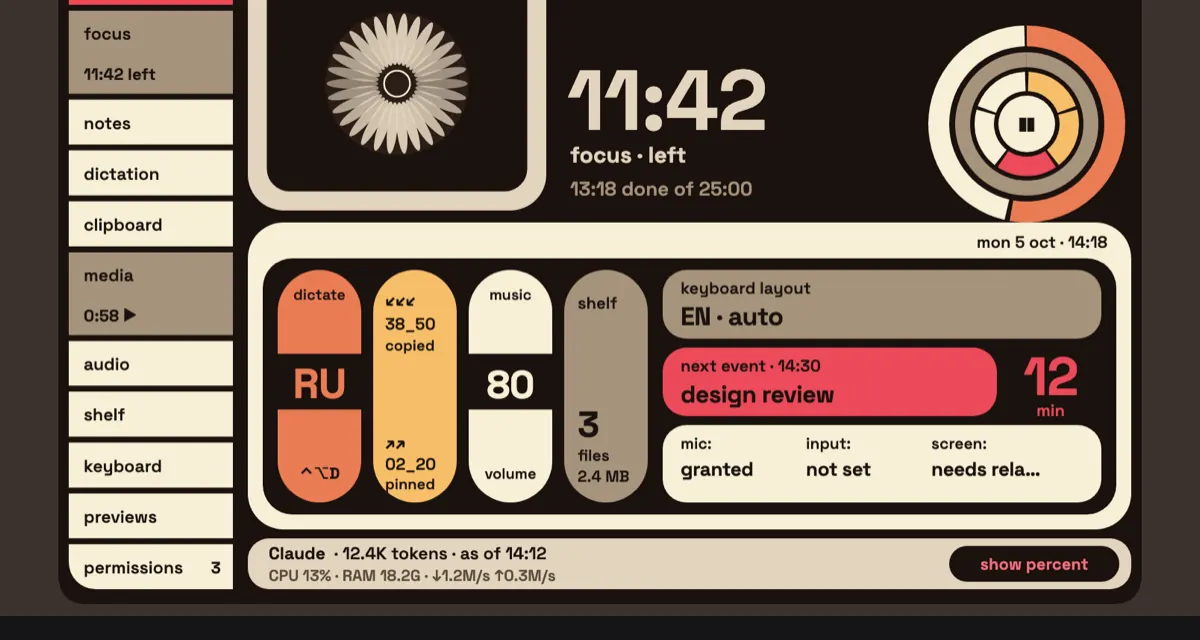
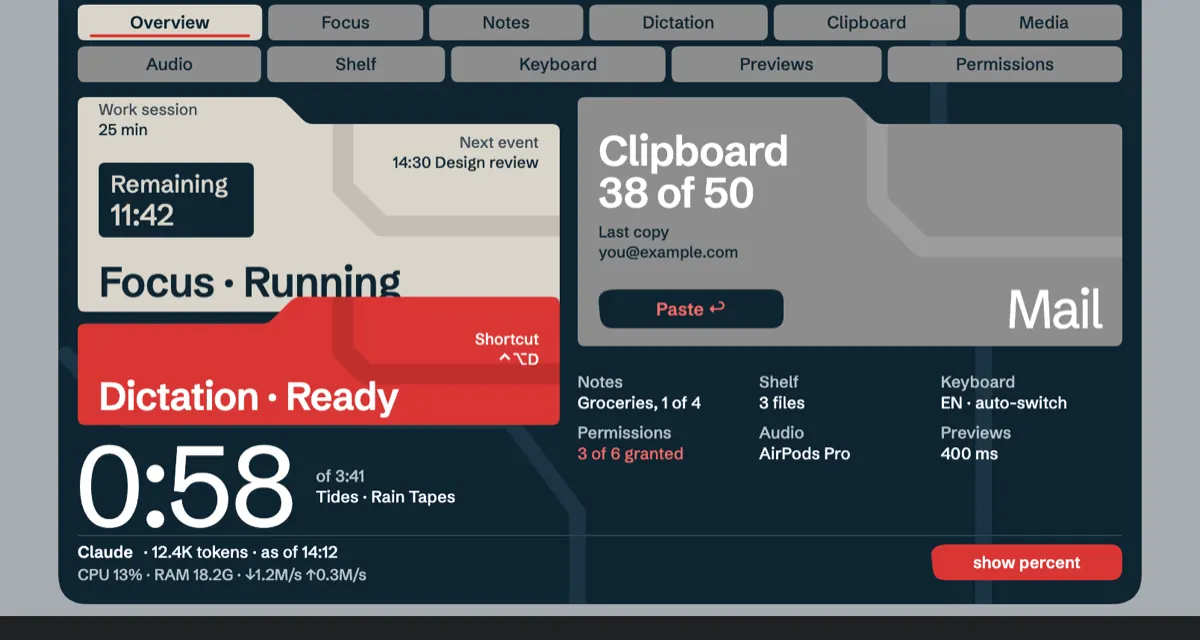
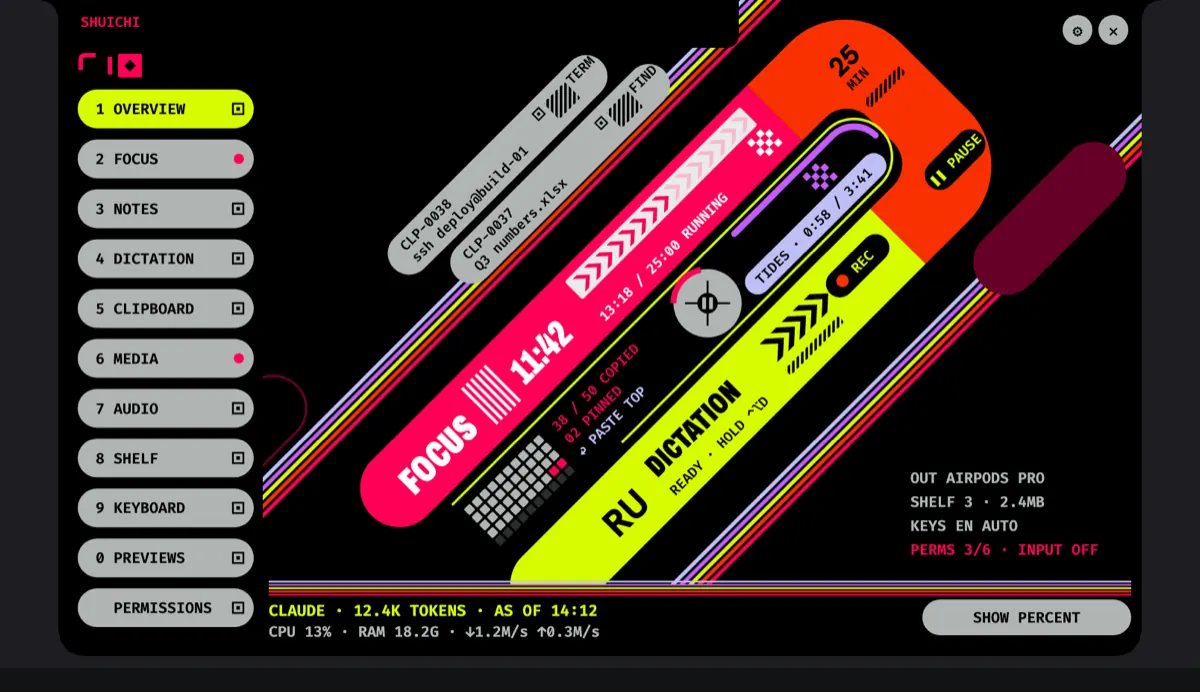
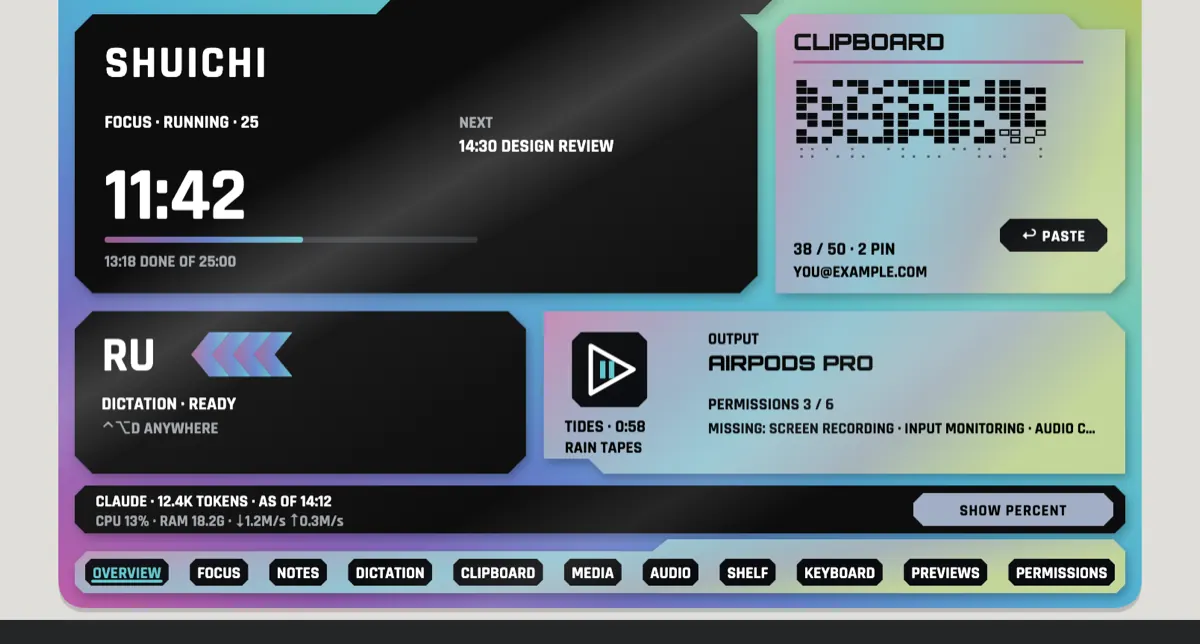
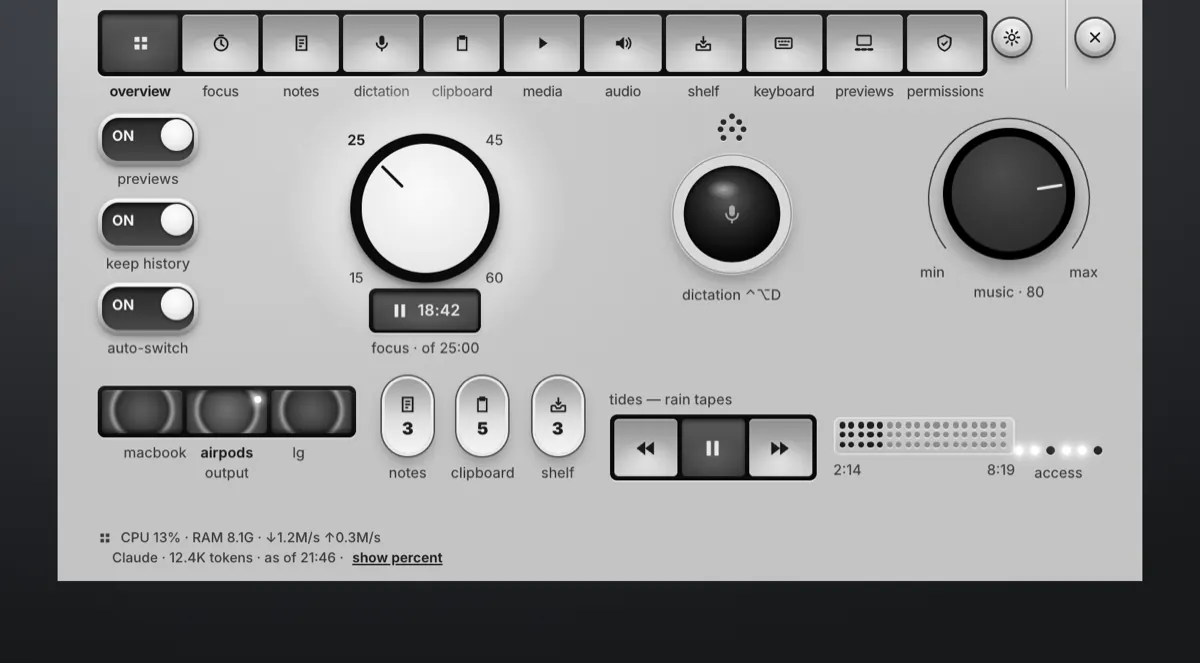
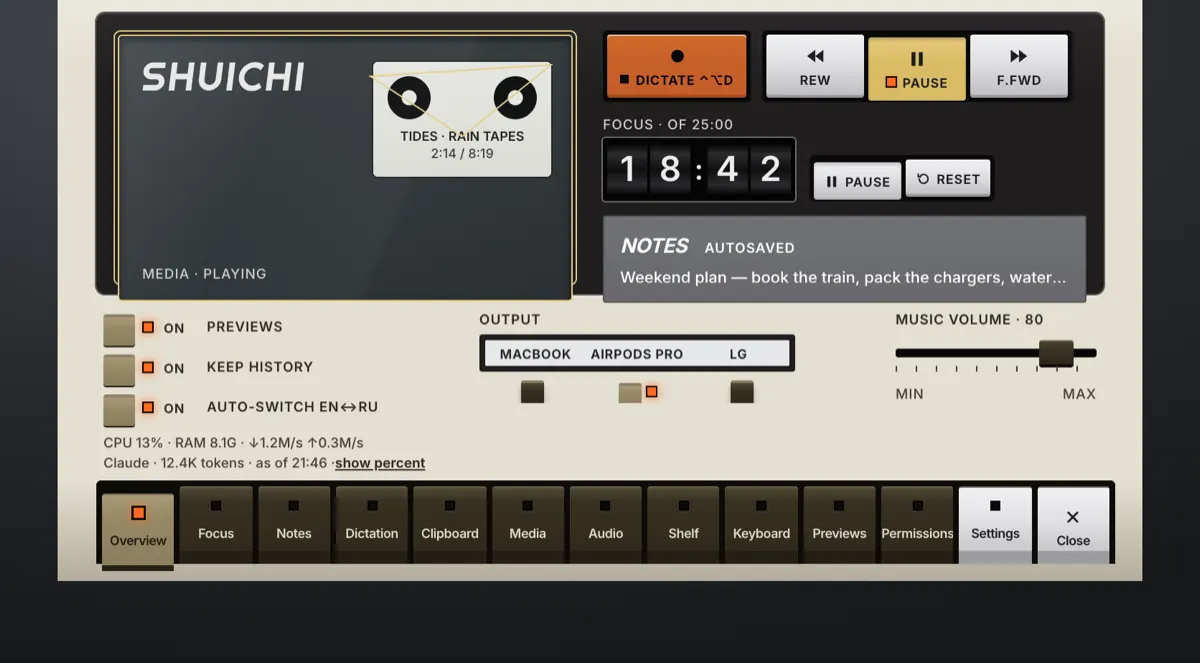
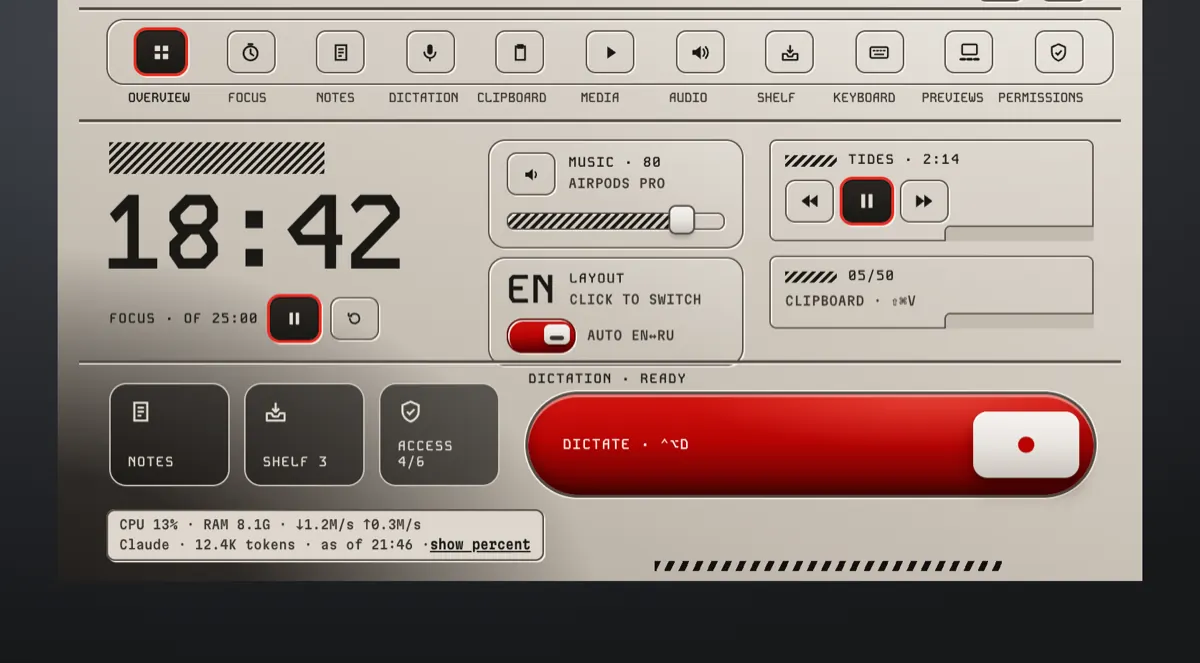
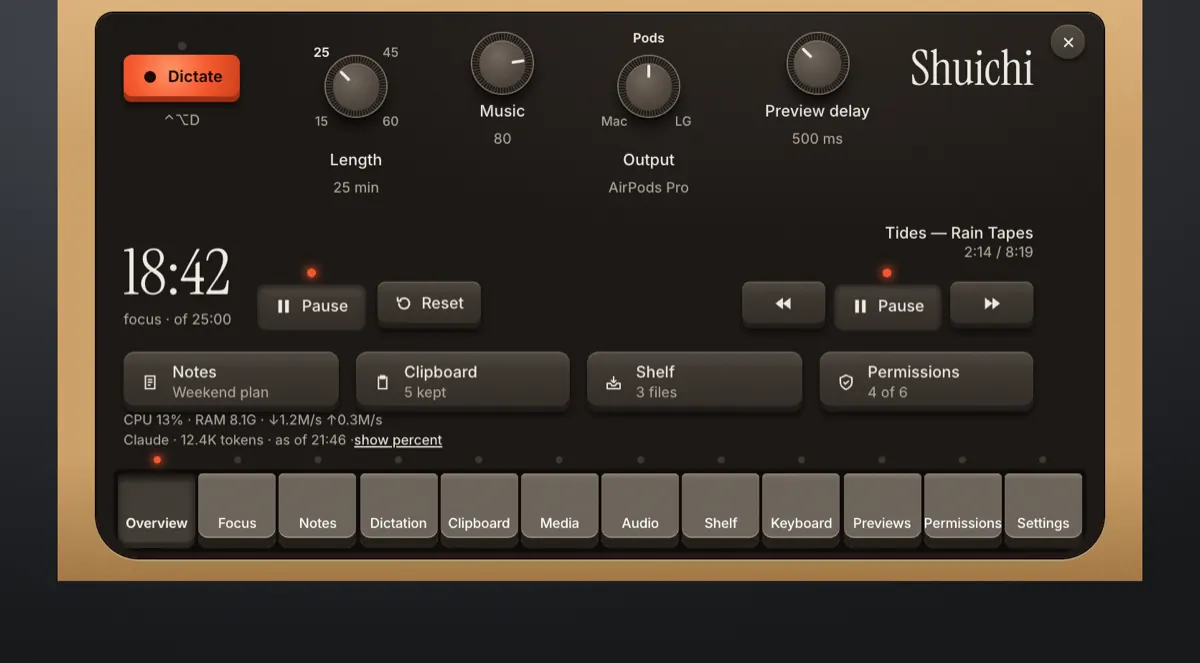
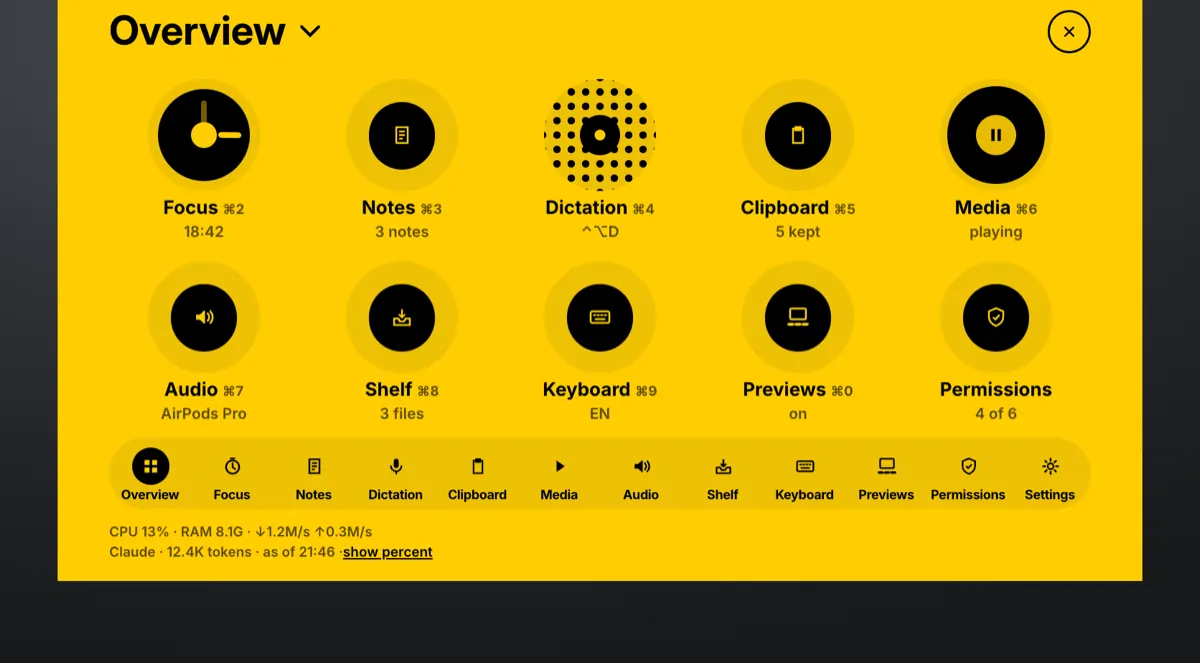
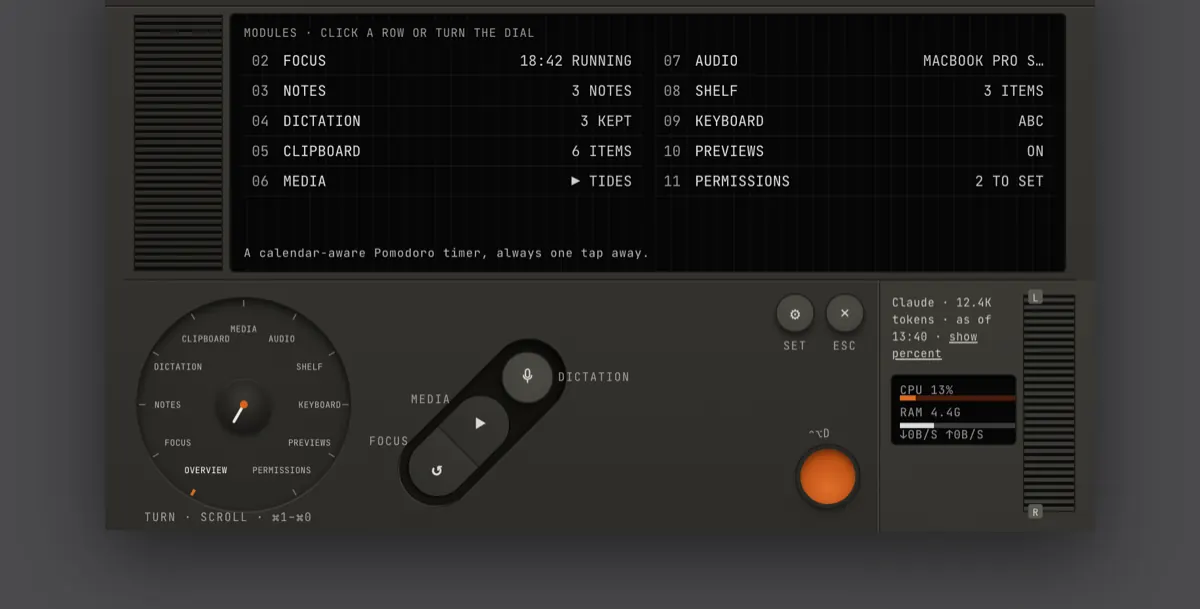
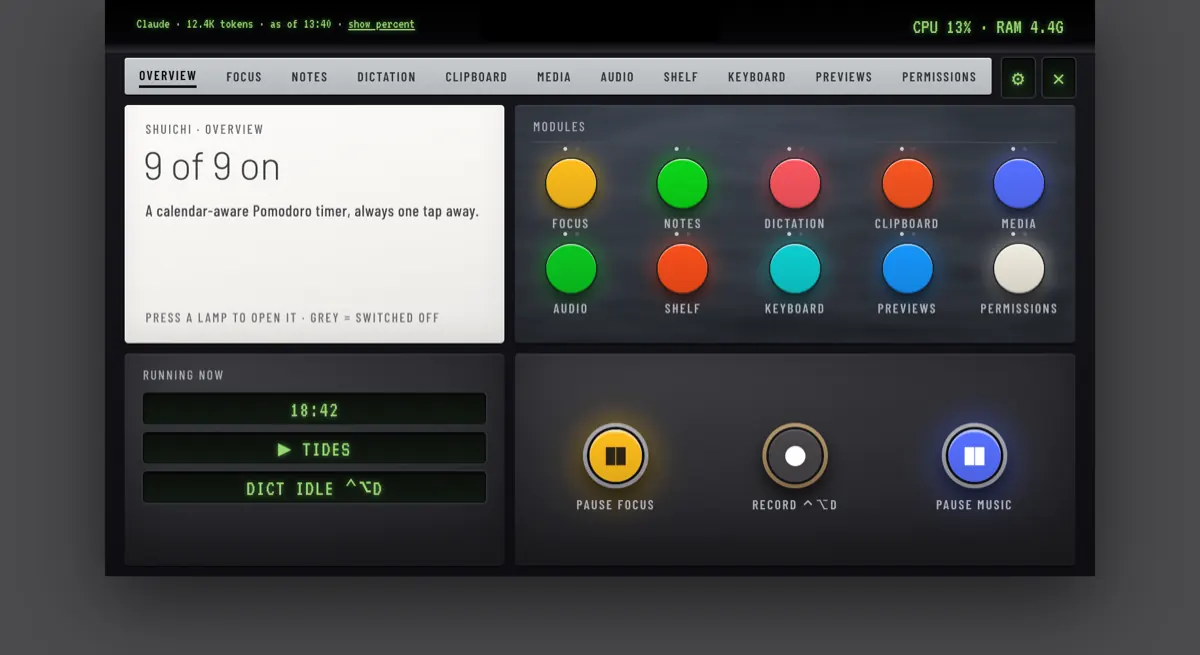
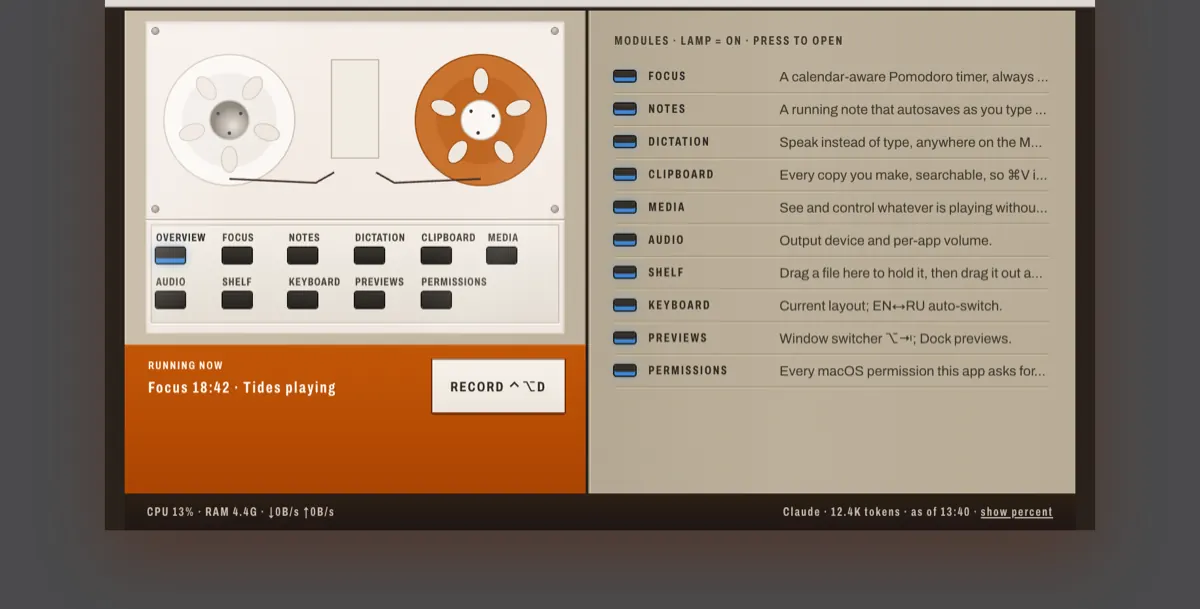
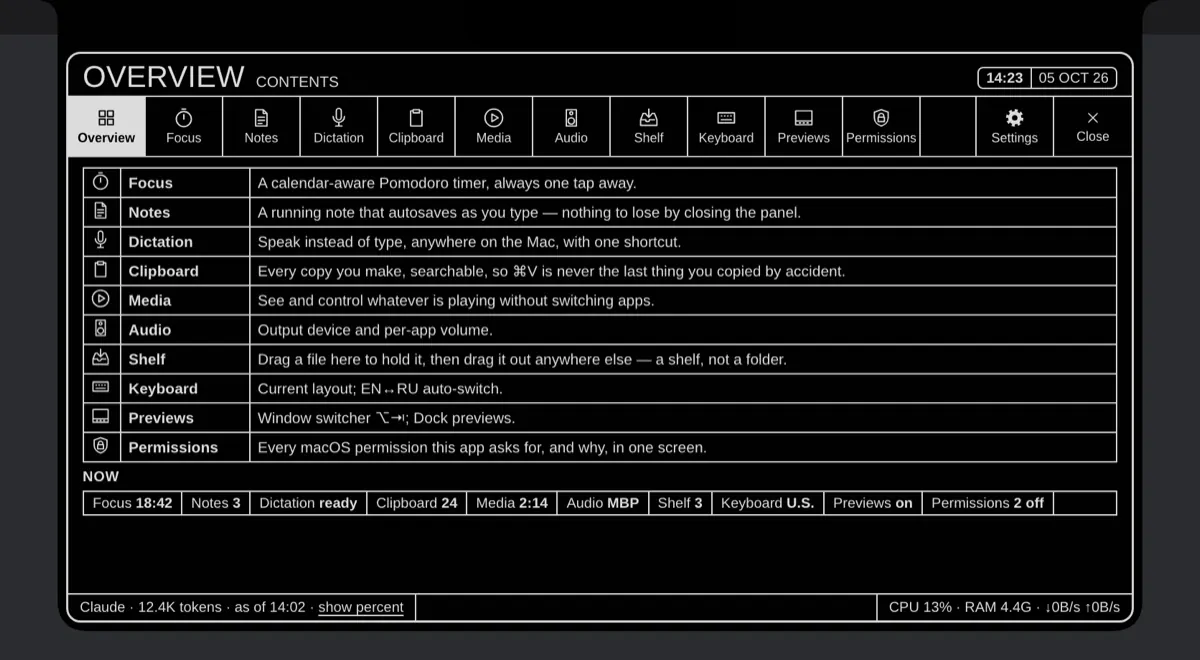
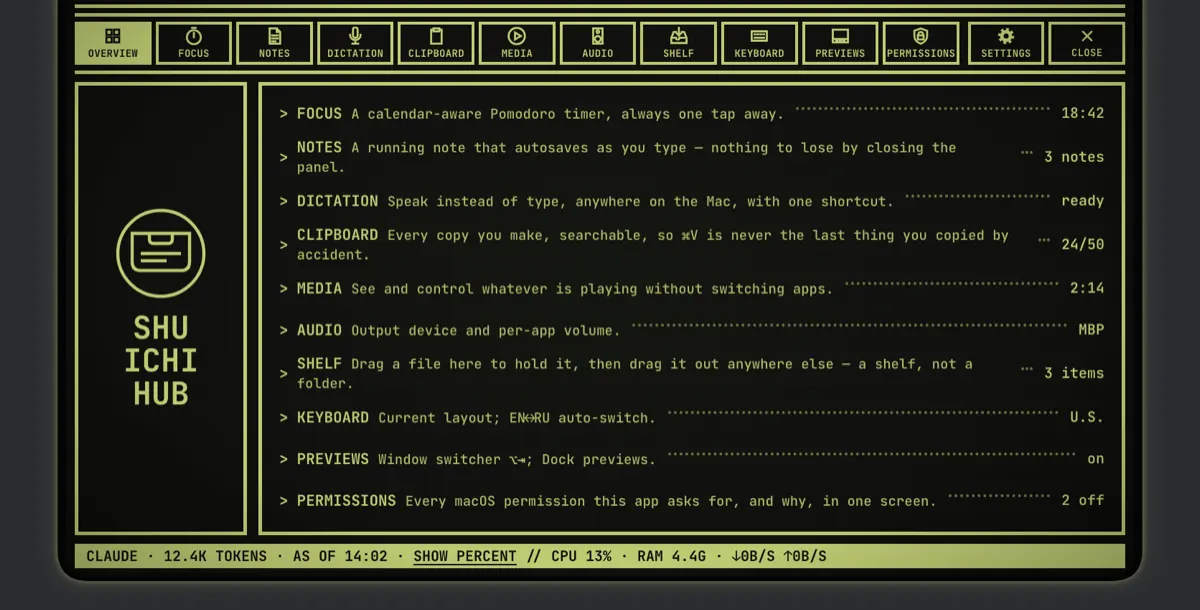
Design renders of each style; the last picture is the beta's own Settings › Appearance.
The default: a glass panel, rounded controls.
Square corners and ink rules. Nothing floats.
Stencil capitals, buttons standing on a plinth.
Chamfered corners around a black terminal screen.
In the beta, Sarang brings its colours, type and corners to the standard layout; its own layout is still in the works.
Lipped keys and content on a dark display.
In the beta, Hardware brings its colours, type and keys to the standard layout; its own layout is still in the works.
Settings › Appearance · Shuichi · Seal · Nordic · Cypress · Glacier
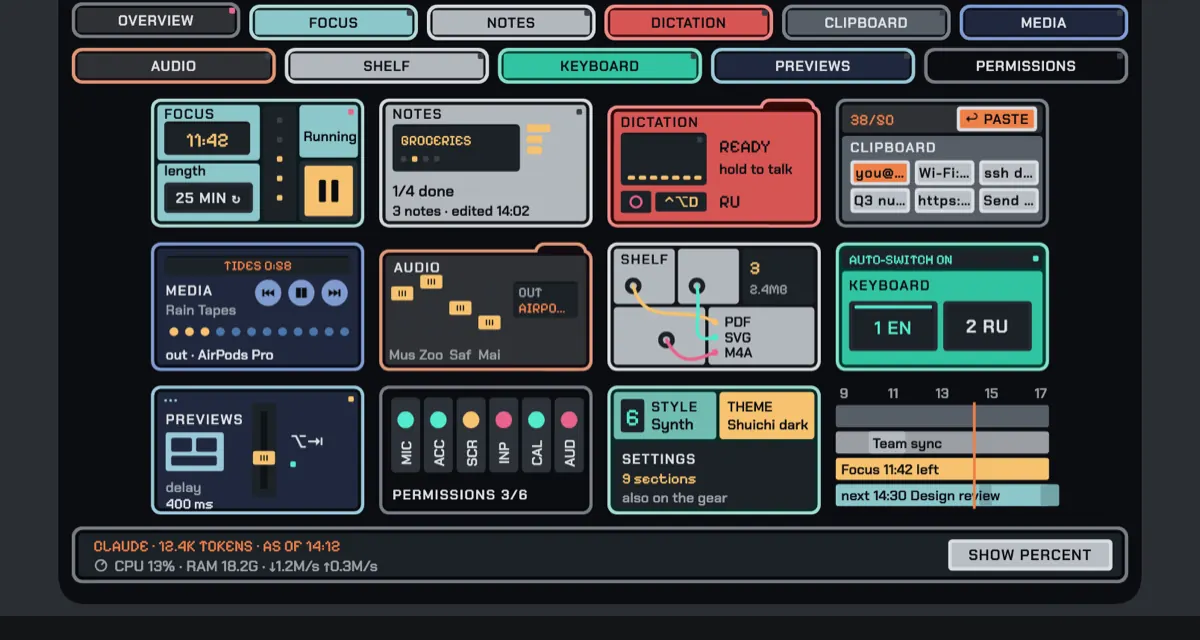
Nineteen hub designs in the works
Each one redesigns the whole hub. They may change or not ship; none has a date.
Get the beta
- Version
- 0.25.0-beta.7 (build 1340)
- Requires
- macOS 15 or later, Apple Silicon
- Size
- 28 MB (28,564,919 bytes)
- Signature
- Developer ID, notarized by Apple
- SHA-256
f211fe6bcf08f59b9444a53997d07799996e30f4ac9a5392a13cd66d1724db47
Unzip, drag Shuichi into Applications, open it. No Dock icon: Shuichi opens from the screen edge or the notch and has a menu bar item. It updates itself.
Six permissions, each asked the first time a tool needs it. The Permissions screen says what each one is for.
The clipboard skips copies from eight password managers, anything marked concealed or transient, and text that looks like a key or token. History keeps 30 days by default; choose 1 day, 7 days, or forever.
Dictation runs on your Mac. The model downloads once (about 465 MB or 1.5 GB), then works offline.
Everything works for 14 days from first launch. After that, Shuichi is paid: $4.99 a month, $49 a year, or $129 once, plus tax. What you made in it stays on your Mac either way.
It's a beta, so expect rough edges. Tell us what breaks or confuses you: feedback@shuichi.app.